System Log
Systems logs capture system events for the various services and operations of the Winmail Server. The administrator can review these system logs to troubleshoot mail server operations.
Select the System Logs option on the main menu. The following screen will appear.
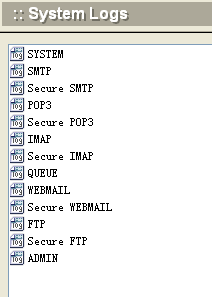
Double-click the log you wish to view. An example of an queue log follows.
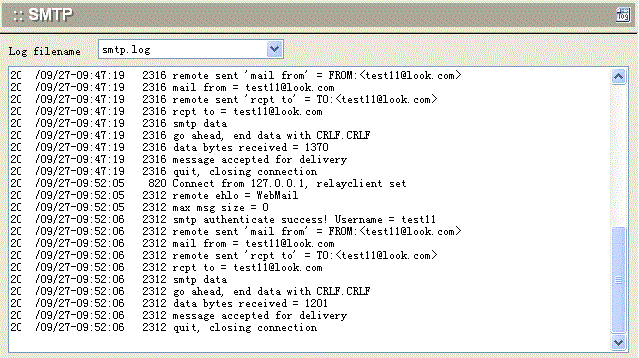
In the above mentioned log , each record follows the definite form: date-time, threadID, and log information.
The administrator can choose to empty or delete each log file using the buttons at the bottom of the screen, and refresh the remaining logs.