RBL Setup
The RBL (Real-time Blackhole List) Setup tab allows the administrator to use filters from various organizations to block the proliferation of spam. These lists contain IP addresses of servers that are known to be relay points for, or to have customers who are responsible for generating spam. The RBL filters check connecting IP addresses during SMTP connection and refuse connection to addresses on the lists.
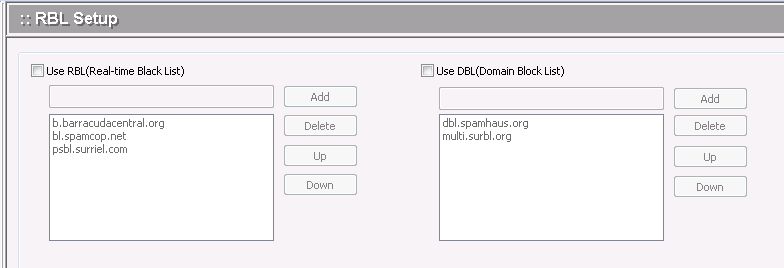
.To enable the use of RBL filters, check the "Using RBL filter" box.
.To add the name of an RBL server domain, enter the domain name in the text box and click the Add button. Some organizations may already be listed by default.
.To delete an RBL server domain name, select it from the list and click the Delete button.
.Click the Apply button to apply any changes.