Domain Aliases
Winmail Server allows the administrator to establish aliases for one or more domain names. To use this functionality, select Domain Aliases from the Domain Setting option. The following screen will appear.
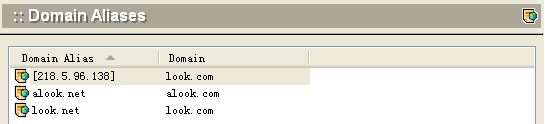
To add a domain alias, click the Add button at the bottom of the screen. The following dialog box will appear.
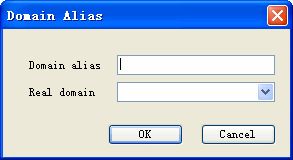
- Enter the alias and then select the corresponding real domain name from the pull-down menu.
- To delete a domain alias, select it from the list and click the Delete button.
- Click the Refresh button to update the database and refresh the screen.