System Information
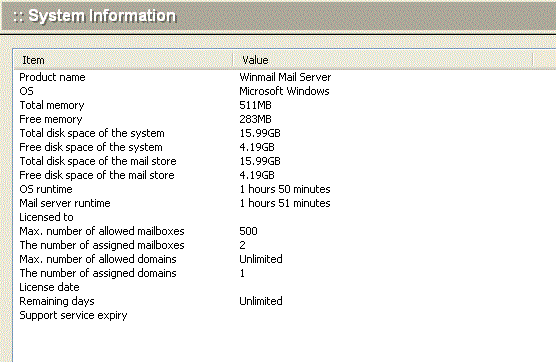
The first option in the left pane of the Administration Console Tool window is System Information. Select this option to view the server system information, including:
- software version number
- operating system information
- remaining memory and disk space
- maximum number of mailboxes supported
- license information
- days remaining in this software license
Note: A super administrator can view information about the operating system and local system, but common domain administrators can only view local system information. See the Administrator option under System Setup for more information.